
Posted on

I just vacationed without Instagram and wish I’d done it sooner

Vacation without Instagram Examples (3)

C. Scott Brown / Android Authority

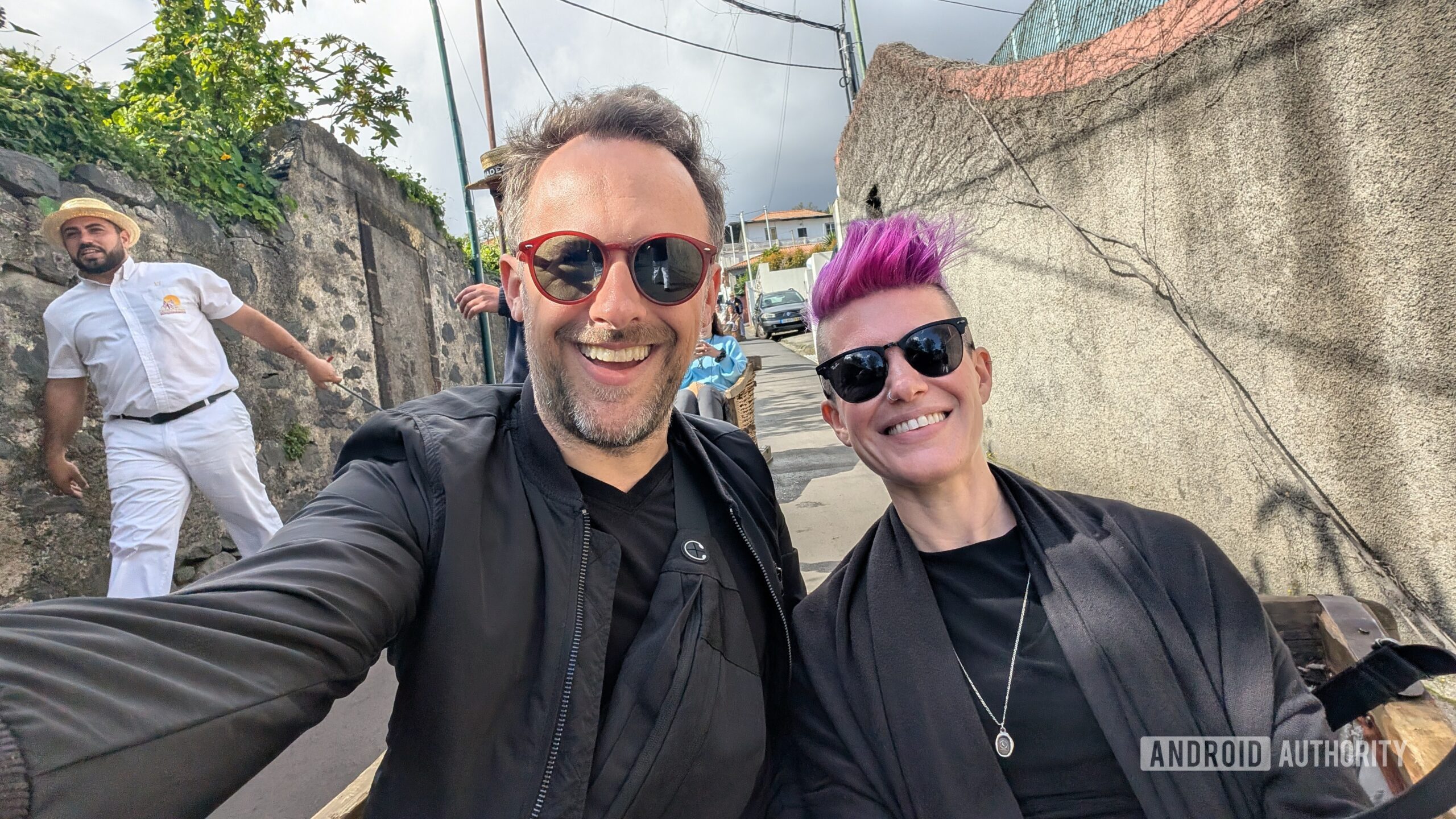
For about half of March, I was away from work on a family vacation. We took a cruise through Spain, Morocco, and Portugal. It was a lovely time, and I used my Google Pixel 9 Pro — easily one of the best camera phones you can currently buy — to document the whole trip. All the photos you see in this article come from the phone!

Typically, many of the photos and videos I shot on this trip would have ended up on my Instagram profile. However, for reasons I won’t bother going into (although I’m sure most Americans reading this will know), I shut down all my Meta-owned accounts earlier this year. That made this cruise vacation the first time in the past decade that I’ve gone on a huge trip and haven’t posted about my experience on Instagram or even social media in general.

But you know what? It surprisingly made the trip so much better.

Sending media to specific people is much more satisfying

Vacation without Instagram Examples (4)

C. Scott Brown / Android Authority

Because I didn’t have Instagram as a “dumping ground” for all the things I shot during the trip, I communicated directly with friends and family instead. This ended up being a lot more gratifying than posting things and getting a handful of likes.

For example, during an excursion off the cruise ship, we visited a winery in Madeira (now one of my favorite places I’ve ever visited). I have friends who are wine-makers in New York, so we sent them some shots related to the winery because they would be very interested in that. We also came across a lot of cats on our trip. In Cádiz, there’s actually a beachside stray cat colony, complete with little houses built by locals for the cats to live in. We took a lot of pics of these cats and sent them to friends and family we know love to see kitties, and they all greatly appreciated them.

Vacation without Instagram Examples (1)

C. Scott Brown / Android Authority

This habit completely changed the way I approached documenting our travels. Instead of thinking about getting likes or proving how great the Pixel 9 Pro’s camera is, I just shot things I knew specific people would enjoy and shared them directly. This allowed for multiple benefits, such as making me stay more in the moment of what was happening now rather than worrying about how to capture that moment for an audience later. It also reconnected me to people I haven’t communicated with in a while, which is always a good thing. Finally, it made those people I contacted feel appreciated since I was singling them out, rather than just posting a photo and hoping they would see it while doom-scrolling Insta. Who could argue that making those you’re close to feel good isn’t an awesome thing?

Taking a photo and posting it to the void isn’t nearly as gratifying as sending it to a specific person who you know will appreciate it.

There was one more benefit to this: not needing to spend the time to craft social content. When I send a photo of an amazing meal I’m eating to my foodie friends, I don’t need to think about hashtags, filters, or how to maximize engagement, nor do I need to decide, “Is this a Story or a grid post?” I just shoot the shot, append a nice message, and send it so I can quickly return to being on vacation. After a while, I couldn’t understand why I had ever spent so much time worrying about social media at all.

I do miss the loss of potential responses from others, though

Vacation without Instagram Examples (2)

C. Scott Brown / Android Authority

The one downside to this is that people in my life who I didn’t message didn’t get to see anything. While Instagram has its very notable and well-documented problems, there’s no denying that it does allow you to connect with people in ways that aren’t really possible without it (or without a similar social platform). For example, my kitty pictures may have also been appreciated by people I don’t know well enough to know that they are cat people. If I shared those photos on Instagram, that person could have engaged, and then I would know, “Oh, so-and-so is a cat person, too!” I did miss that.

Do you have an Instagram profile?

47 votes

Although I know most people wouldn’t want to admit it, I also missed the serotonin response of seeing something I posted to get a lot of likes. Yes, I know internet points are pretty hollow, but I’d be lying if I didn’t say it feels good to post something and see lots of people respond to it positively. Without Instagram, I was getting positive responses, sure, but not at the same scale, making it not have the same zing as before.

I hate to admit it, but I did miss getting lots of likes. Seeing people like my photos used to feel great.

Ultimately, I think what I really want is a hybrid of these two things. During the trip, I don’t want to worry about social media. I want to live in the moment and share what I experience with those folks with whom I am truly close. But I also want to be able to share those experiences more broadly with people who I’m not as close to, and that’s really what Instagram excels at.

This isn’t enough to make me want to bring back my Instagram account, but it does make me hope that Flashes — the Instagram clone coming soon to Bluesky — is a hit. I’d love a photo-sharing platform I can feel good about participating in. Until then, though, traveling without Instagram doesn’t seem so wild anymore. If you’re a frequent Instagram user, try to abandon it on the next trip you take. I think you’ll enjoy yourself a lot more.

Posted on

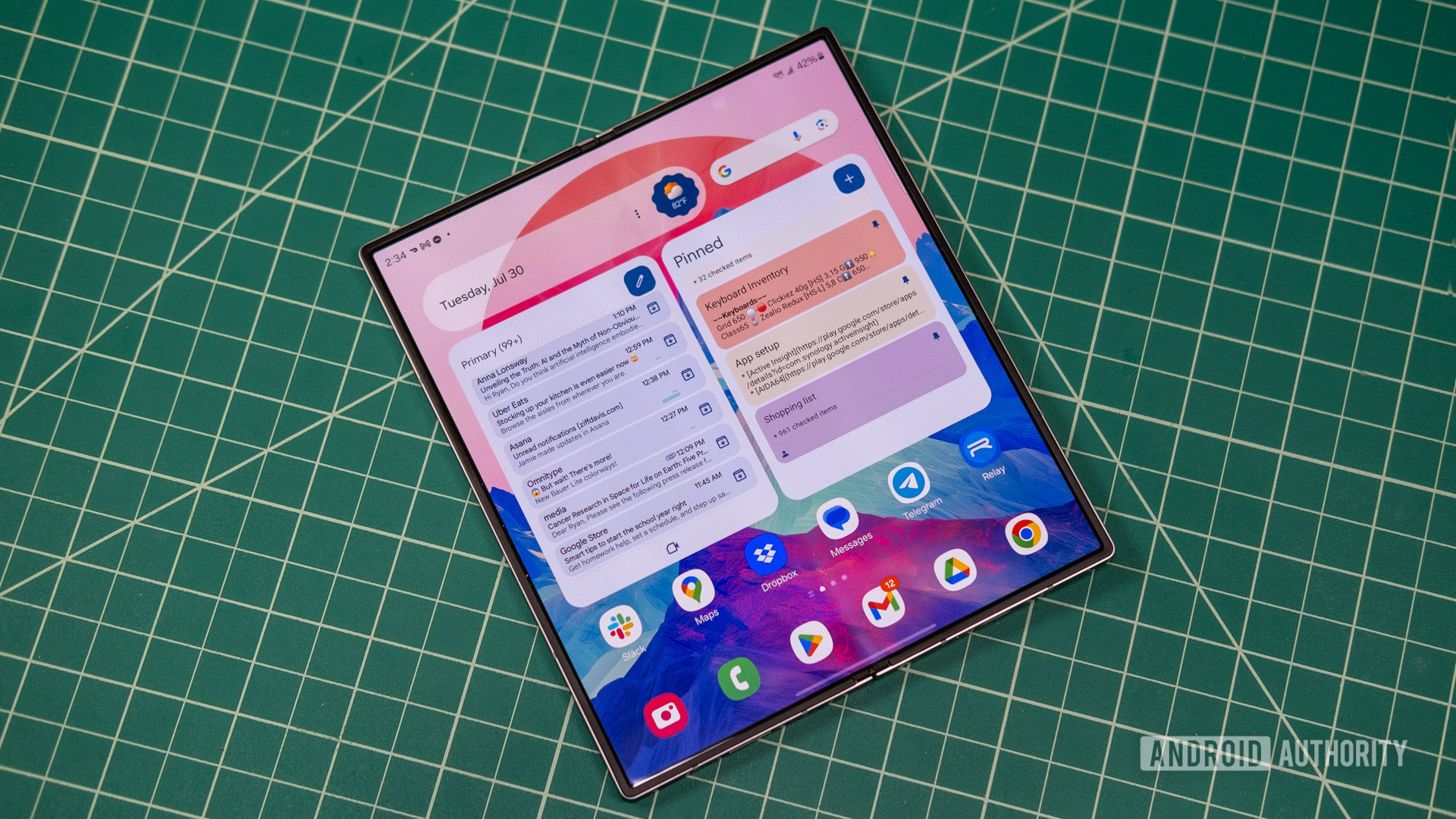
The Galaxy Z Fold 7 and Flip 7 could run One UI 8 out of the box

Samsung Galaxy Z Fold 6 main OLED

Ryan Whitwam / Android Authority

TL;DR

  • Recent rumors suggest that Samsung plans to release One UI 8 based on Android 16 much earlier than usual.
  • A new report claims that the company’s next-gen foldables could run the new software release at launch.

Rumor has it that Samsung may compensate for the slow rollout of One UI 7 by releasing One UI 8 based on Android 16 much earlier than usual. Last month, an early One UI 8 build was spotted online, suggesting that the company had already started testing the software release for the Galaxy S25 series. Now, a new report claims that it could offer the new software release on its next-gen foldables at launch.

Samsung is expected to lift the covers off the Galaxy Z Fold 7 and Galaxy Z Flip 7 this summer. We’ve already seen a few leaks about the foldable devices, suggesting that Samsung could offer some minor design and performance improvements on both models. The devices could also run One UI 8 based on Android 16 out of the box, according to insider info obtained by Sammobile.

This seems plausible as Google plans to release Android 16 for its Pixel devices sometime this June or July. Since Samsung typically launches its foldables around the same time, it could host its next major Unpacked event shortly after the stable Android 16 rollout and launch the Galaxy Z Fold 7 and Flip 7 with the new software build.

It’s safe to assume that One UI 8 will incorporate all the significant changes that Google introduces with Android 16. Whether or not Samsung packs additional features for its foldable phones remains to be seen.

Got a tip? Talk to us! Email our staff at news@androidauthority.com. You can stay anonymous or get credit for the info, it’s your choice.

You might like

Posted on

TikTok once again scores a last-minute reprieve, because of course it did

Tiktok stock photo on smartphone

Edgar Cervantes / Android Authority

TL;DR

  • TikTok will not be banned in the US as of tomorrow.
  • The White House has once again issued an order granting a 75-day extension on the ban.
  • It remains to be seen what company might be interested in buying the service, with Amazon and Walmart both recently mentioned as contenders.

Ostensibly, the United States government wants to ban TikTok. But you would not know this based upon the words and actions of many of the parties involved. For years, fears around nebulous China-based concerns had legislators talking about a possible ban, and back in 2024 they actually agreed on making this happen, setting a clock ticking down to a deadline by which TikTok would need to find a new owner or leave the US. And now, for the second time, that deadline is being extended.

We were originally looking at a January 19 deadline, and after courts failed to intervene in stopping the pending ban, the White House came through at the last minute with a 75-day reprieve, put into effect on January 20. If you were about to pick up your phone and ask Google Assistant “what’s 75 days after January 20,” we’ll save you the trouble — just look at your calendar. It’s tomorrow.

Over the past few days, there’s been lots of talk about possibly savior investors swooping in to purchase control over TikTok away from parent company ByteDance — most notably, Amazon. But with no deal confirmed, the administration has now announced another executive order that will extend the deadline for 75 more days.

While that buys TikTok’s legions of fans a little breathing room, it’s still unclear which investors might still be in the running to save the app. Earlier today, ABC News reported that Walmart could be considering the purchase, but that post has since been taken down.

With this week’s announcement of economy-trashing tariffs already sending the stock market into a nose dive, are companies going to be even more wary of spending the tens of billions of dollars TikTok would cost? The way things are going, it’s starting to feel like these 75-day extensions might as well just continue in perpetuity.

Got a tip? Talk to us! Email our staff at news@androidauthority.com. You can stay anonymous or get credit for the info, it’s your choice.

You might like

Posted on

The best Roku streaming device is $20 off right now

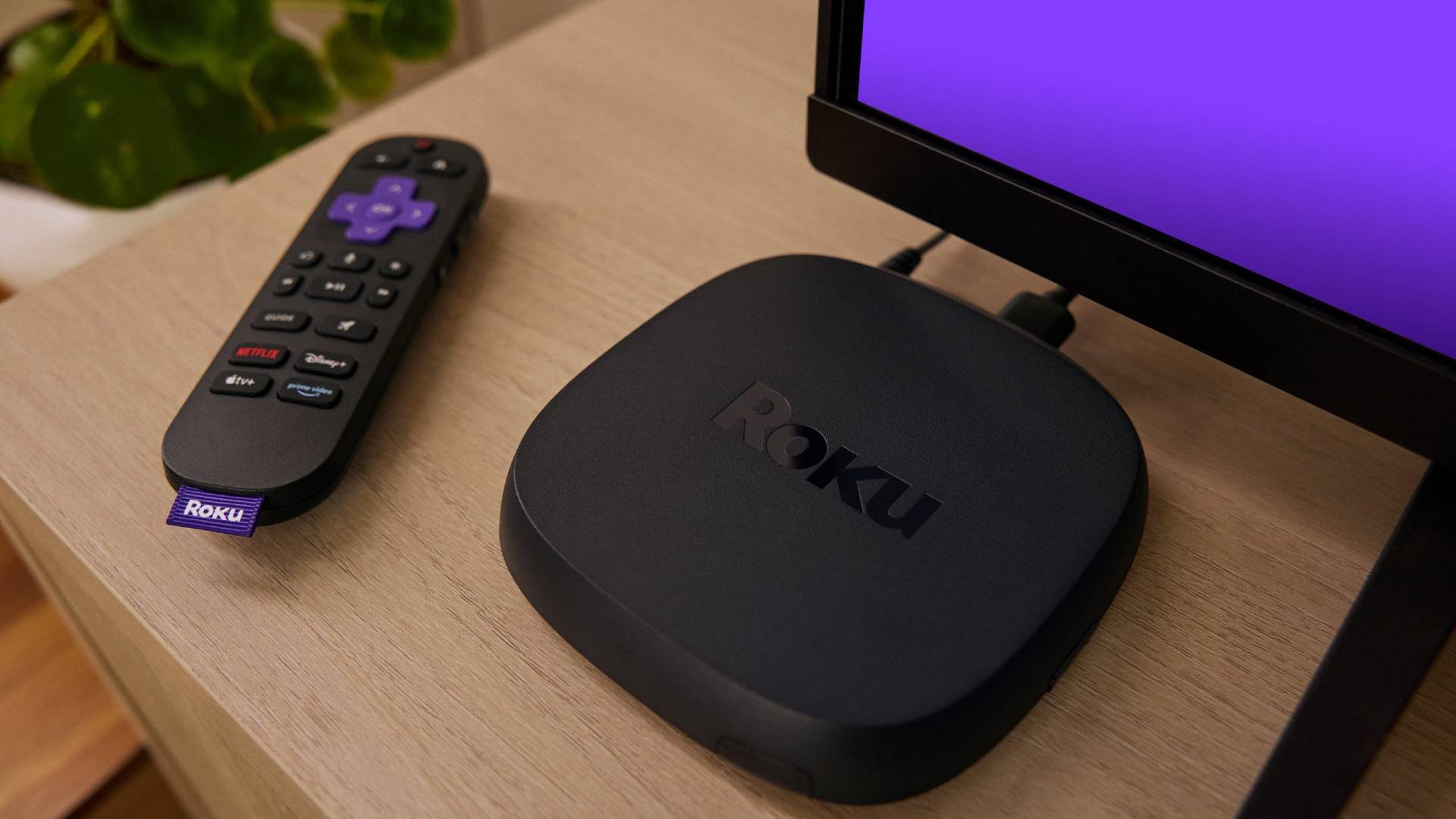
Roku Ultra 2024 featured

Roku has plenty of streaming devices, but if you want the absolute best one the brand has to offer, it would be the 2024 version of the Roku Ultra. It’s on sale today, so you can get the best of the bunch at just $79.99. It’s usually $99.99, so you’re saving yourself a nice $20 bucks!

Get the Roku Ultra 2024 for just $79.99 ($20 off)

This offer is available from Best Buy. That said, it’s also available on Amazon and Roku’s own website. We’re not sure how long the sale will last, but Roku’s page mentions it’s a “limited time offer.”

Roku Ultra

Roku Ultra
AA Recommended

Roku Ultra

There can be only one streaming king. Learn all about Roku’s most powerful offering right here.

The faster and more powerful Roku Ultra is loaded with a new and improved quad-core processor. You can enjoy channels that launch quickly in a responsive interface.

As mentioned, the Roku Ultra 2024 is the best streaming device the brand has to offer right now, without counting the TVs or soundbars, which are in a different category. In fact, Roku mentions it is its “fastest streaming player ever.”

More specifically, it is 30% faster than every other Roku player, so it’s for those who want actual performance. I’ve tested plenty of these Roku players, and can tell you they can be pretty slow, so this is a welcomed upgrade.

Of course, it has plenty of other great features and capabilities. It can stream at up to 4K resolution and sports HDR10+ capabilities. It also comes with both Dolby Vision and Dolby Atmos support, so it will look and sound great.

Roku Ultra 2024 remote with backlit keys

Furthermore, this one comes with an improved Roku Voice Remote Pro, which supports voice commands, but that is only the tip of the iceberg. This one also gets very nifty backlit keys, which will be a nice addition for using it in a dark room. Also, this one has an integrated rechargeable battery! I don’t know about you, but I find it very annoying when any devices require buying actual batteries.

Of course, you’ll get access to Roku’s full app portfolio. This includes access to all the great streaming services we all know and love, additional apps, and even over 500 live TV channels.

While this is not a record-low price, it is very close to the all-time low of $77.98. It’s still a great time to get it, especially if you want a fine-tuned smart TV experience. Go get it before the sale ends!

Extra deals: Other Roku devices are also on sale!

If you don’t care much for faster performance and fancy features, the other Roku streaming devices will do just fine streaming your favorite movies, shows, internet videos, and more.

The Roku Express, for example, is a great option for those who don’t have a 4K TV. It supports Full HD 1,080p resolution, has access to the free 500+ live TV channels, and gets a basic remote. It works well and only costs $17.99!

If you do have a 4K TV, though, you can get the Roku Express 4K Plus for $27.99. It supports UHD resolution and HDR10+. This one also has an improved remote with voice command support, which is a nice addition.

If you want a better upgrade, there’s also the Roku Streaming Stick 4K. This one actually gets a design improvement. It is an HDMI stick, so it will hide behind the TV instead of sitting on top of a flat surface. It also has 4K and HDR10+ support, Dolby Vision, and the same remote with voice commands. It’s still pretty cheap at $38!

You might like

Posted on

Here are some sweet Samsung monitor deals for different types of users

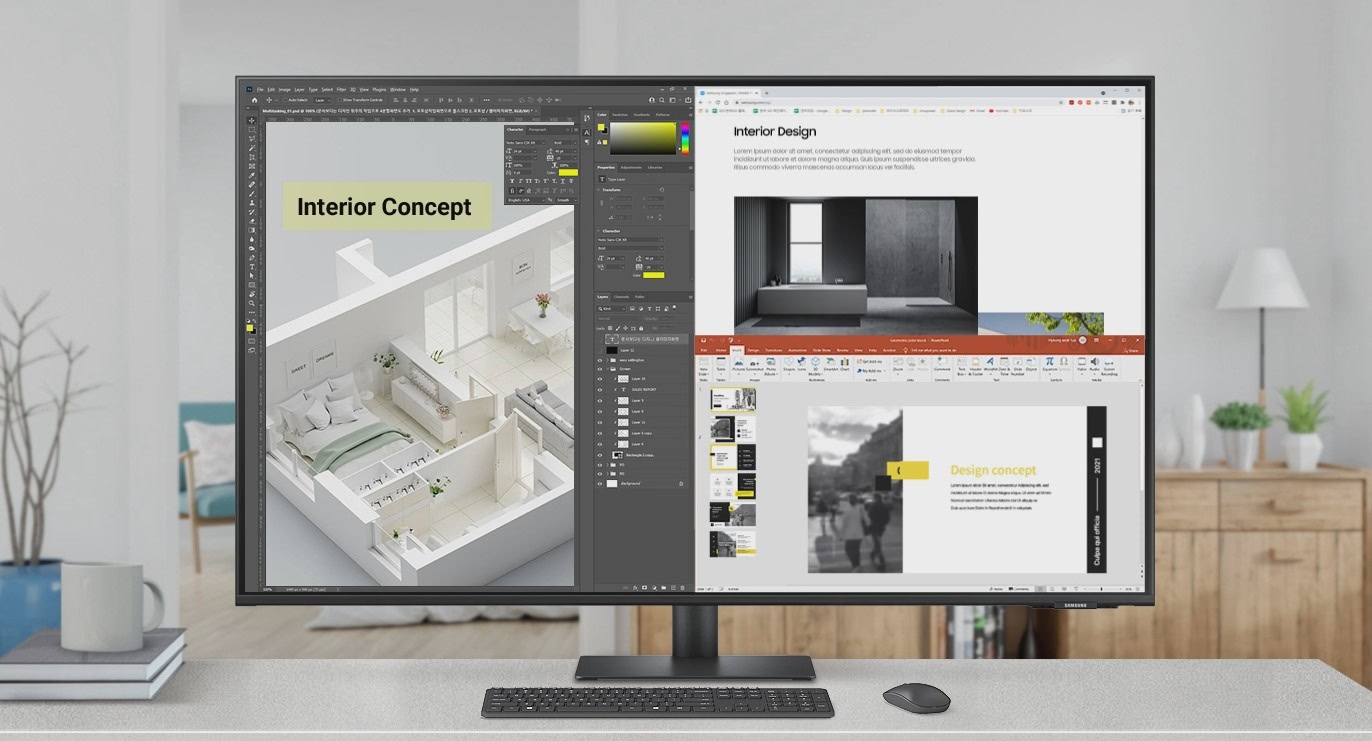
Samsung 43 inch M7 4K UHD Smart Monitor Widget Image

These offers are all available from Amazon, and they are labeled as “limited time deals.” This means it’s only a matter of time before the prices bounce back to standard levels.

Samsung Essential S3 (S36GD) Series 27-Inch Monitor

  • Covers the basic needs at a really low price

Let’s start with the most affordable monitor. It’s only $109.99 right now, but that doesn’t mean it’s a lackluster monitor. For starters, this is a pretty sizeable 27-inch monitor. It’s pretty rare to find a monitor of this size at such a low price.

Additionally, this display features a Full HD 1,080p resolution and a 100Hz refresh rate. The latter is also pretty rare to find at such price ranges. Not only that, but this is a 1,800R curved display, which is a pretty nice addition. It even has a Game Mode, which will optimize contrast and colors to give you a gaming edge. It also offers an Eye Saver Mode.

In terms of connectivity, you’ll get an HDMI and a D-sub port. It’s a pretty nice monitor, and we would never imagine it would cost just $109.99.

Samsung M7 Series 43-inch Smart Monitor

  • For those who want a large monitor and a TV replacement

Now, let’s take things up a notch. I like buying things that serve more than one purpose. The Samsung M7 Series 43-inch Smart Monitor can work as a large monitor, but one of its main lures is that it doubles as a TV for chord-cutters.

This monitor has Samsung’s smart TV OS built-in. Additionally, it comes with Samsung Smart TV Plus, which can replace your traditional TV service, as it streams live TV channels. This is important because it has no physical TV tuner, but those of us who rely on internet streaming will love it. It even has access to the Samsung Gaming Hub, so you can stream your games and play with a wireless controller directly connected to the TV.

Because it is meant to replace an actual TV, the display is very large at 43 inches. It also has a 4K UHD resolution, which is amazing to have both for entertainment and for screen real estate, when using it as a monitor. It even comes with a controller so you can use it as a regular TV when lounging, and the remote has a small solar panel, so you won’t have to worry about it dying on you.

This is a higher-end monitor, even if a bit older. This means you’ll also enjoy a nice variety of ports. It has two HDMI ports, a USB-C connection, and three USB-A ports.

This is an outstanding monitor with dual-purpose capabilities. You are pretty much getting two screens in one for a really good price. It happens to be a pretty nice display, too.

Samsung Viewfinity S9 49-inch Curved Ultrawide Monitor

  • Large, ultrawide perspective, with awesome capabilities

I always wanted to get one of those fancy ultrawide, large monitors, but they tend to cost thousands. Things are changing, and the Samsung Viewfinity S9 49-inch Curved Ultrawide Monitor shows me I can now afford a good monitor of this type without emptying my bank account. Well, at least not as much.

This is $749.99, but the original price point is $1,199.99, so you’re saving $450 here. This is also a pretty impressive monitor. It measures 49 inches and has a Dual QHD resolution, which essentially means it’s like placing two QHD monitors side by side. You’re getting a 5,120 x 1,440p resolution. It also has a very smooth 120Hz max refresh rate.

By the way, this one is curved — it has a 1,000R curvature. You’ll also get plenty of ports: two HDMI connections, a DisplayPort, USB-C, multiple USB-A ports, USB-B, and even a LAN connection.

This is quite the monitor!


Make sure to get your monitor sooner rather than later. We’re not sure how long these offers will stick around.

You might like

Posted on

You can still save $100 on the Yaber T2 Portable Projector

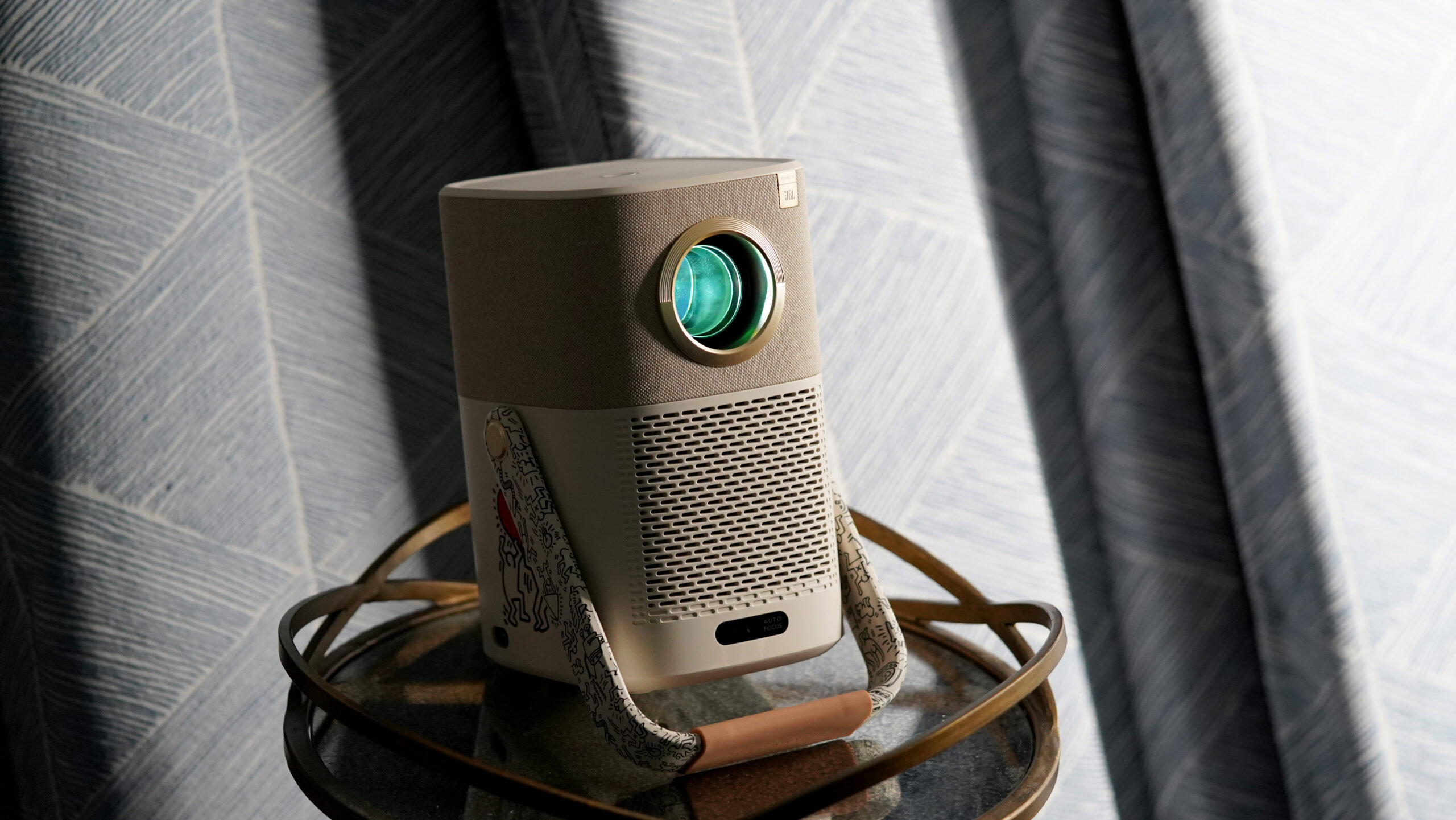
Yaber Project T2 angled

Kaitlyn Cimino / Android Authority

Amazon’s Big Spring Sale is over, and with it ended a bunch of pretty nice deals. If you were considering getting a portable projector, though, you can still save on the Yaber T2. The deal is the same, you save $100, bringing the cost down to the same record-low price of $249.99.

Get the Yaber T2 Portable Projector for just $249.99 ($100 off)

This offer is available from Amazon, and it comes in the form of an on-page coupon you must manually apply before adding the item to your cart. You can only reach this $249.99 price point with the Standard model. All other versions are more expensive, but most do still get a $100 coupon. They just happen to have a higher retail price, so you’ll have to pay a bit more. The only one without an available coupon is the Smile Face version.

The Yaber T2 Portable Projector is actually one of our favorite of its kind. It’s a fantastic little projector you can use anywhere, and it’s usually $349.99. This $100 coupon takes the price down to the $249.99 all-time low price, making this quite the steal.

One thing we really like about the Yaber T2 Outdoor Projector is that it comes with a built-in battery. This can keep a projection running for up to 2.5 hours on a full charge, enough to outlast almost all movies. It’s an ideal solution if you want to take your projector to places, instead of having it tethered to the wall.

The Yaber T2 can project at Full HD resolution and features 450 lumens of brightness. You won’t even need to worry about using separate speakers, as it has a couple of 8W integrated speakers powered by JBL. In our Yaber T2 Projector review, we mention that we were actually quite surprised by these, and they performed better than we thought they would. Of course, dedicated speakers can do much better, but these will do just fine on their own.

Yaber Projector T2 hand

Kaitlyn Cimino / Android Authority

Not only will these speakers be great for projections, but you can actually use the unit in audio-only mode. This means it pretty much doubles as a Bluetooth speaker. And get this: battery life is extended to 18 hours when using this in audio-only mode.

If I had to complain about something, it’s that this specific model doesn’t come with a smart TV OS. That said, it is a very nicely priced projector, and you can still take advantage of the USB and HDMI ports. Yaber also sells a Google TV dongle, but it costs an extra $49.99. It’s cool because it has a nice design that fits the projector very well, but honestly, you can also use any other smart TV dongle or set-top box with it.

Oh, we also mentioned in the review that there is no automatic horizontal keystone, only vertical. That said, you can manually adjust the horizontal aspect ratio in the settings, using the remote.

All things considered, we still think this is one of the coolest portable projectors around. It comes at a very reasonable price point, especially if you can catch this deal. Go get it while you can!

You might like

Posted on

Samsung Galaxy Watch Ultra 2 wishlist: All the features I want to see

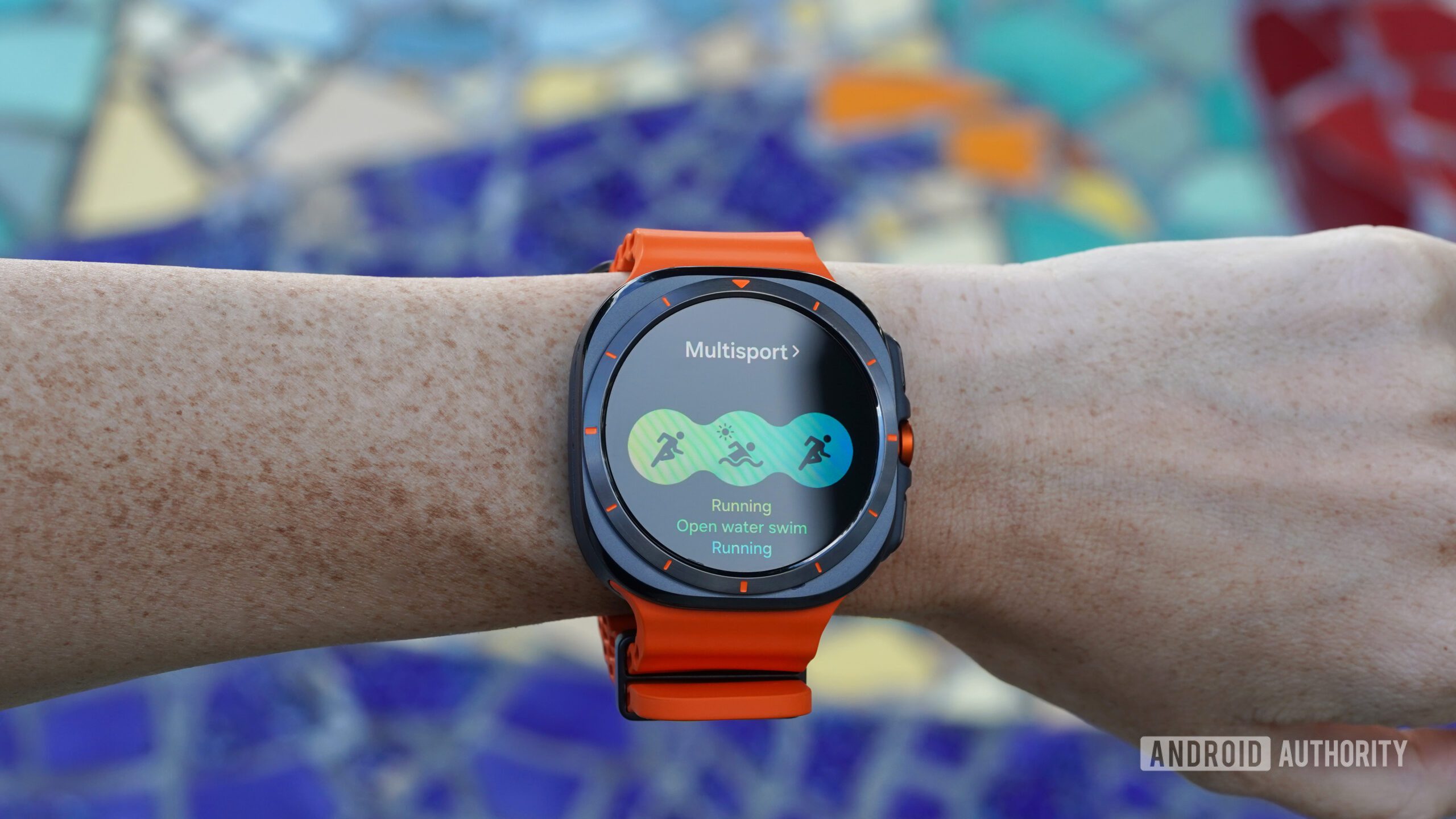
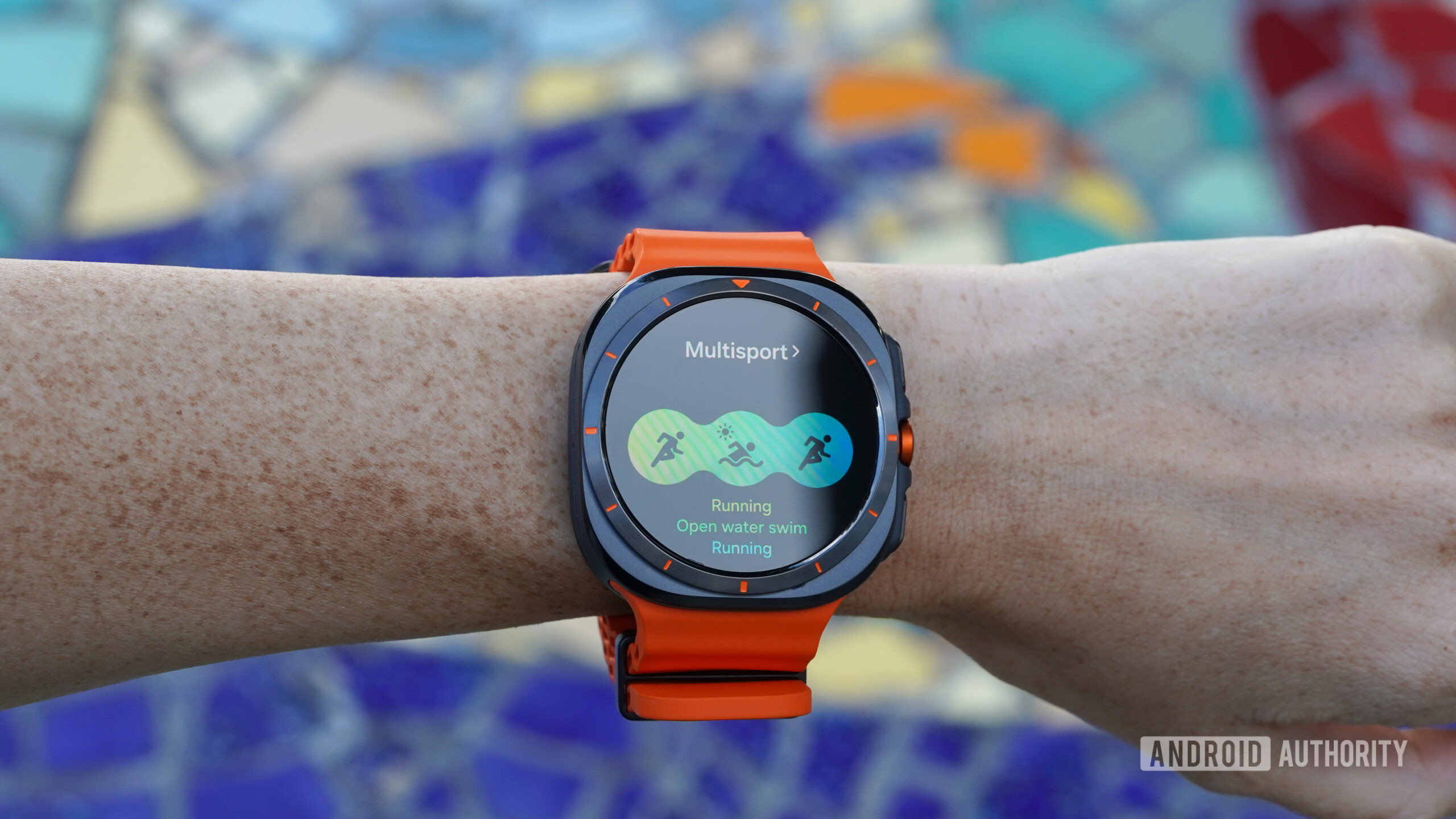
A Samsung Galaxy Watch Ultra displays multisport mode.

Kaitlyn Cimino / Android Authority

The Galaxy Watch Ultra is a top contender in the smartwatch market, offering excellent GPS tracking, solid battery life, and comprehensive health monitoring, but the device isn’t perfect. My mind is already on a potential Galaxy Watch Ultra 2, and I can’t help but wonder what improvements Samsung might bring to the table. With the possibility of a follow-up device, here’s everything I hope to see in the new generation (and everything we know so far).

Improved aesthetics

A Samsung Galaxy Watch Ultra displays the watch face Chronos.

Kaitlyn Cimino / Android Authority

While the Galaxy Watch Ultra’s rugged design is functional, it feels bulky and frankly strange. I’d like to see a sleeker, more refined aesthetic in the Ultra 2, from a thinner build to a better overall design. I loath the indecisive circle-inside-a-square shape, but beyond my subjective dislike, the device deserves a display size and shape that enhances usability, especially for maps and fitness tracking data.

Additionally, not including a rotating bezel on the current generation was a miss. If Samsung is going to maintain the odd square-circle design, the bezel should at least be functional. I love the Ultra’s action button, and a rotating bezel would pair well with its capabilities. I won’t hold my breath for a rotating crown, but I would certainly welcome one of those as well.

Refined heart rate tracking

A Samsung Galaxy Watch Ultra rests face down, displaying the device's upgraded sensor.

Kaitlyn Cimino / Android Authority

For serious fitness trackers and data-obsessed endurance athletes, I’m crossing my fingers that the Ultra 2 will deliver more refined heart rate data. I had high hopes for the accuracy of its new sensor when the original Ultra launched, but while the current model does a solid job overall, there are times when heart rate tracking falters, especially during workouts like outdoor cycling, weightlifting, or rowing, where wrist tension can skew readings. Compared to the heart rate tracking of Garmin watches, the Apple Watch Ultra line, and the highly reliable Pixel Watch 3, the Galaxy Watch Ultra needs refinement. The device already boasts fantastic GPS performance. Given this accuracy and Samsung’s clear focus on athletes with multisport modes and Race Partner features, improving the heart rate tracking feels like a natural step forward for the Ultra 2.

Even better battery life (and a better charging experience)

A Samsung Galaxy Watch Ultra displays its battery life.

Kaitlyn Cimino / Android Authority

With the caveat that I will never be fully satisfied, I want to see even better battery life in the Galaxy Watch Ultra 2. Compared to regular Galaxy Watches, the original Ultra offered a solid improvement, with three days between charges at baseline. However, when devices like the Garmin Fenix 8 offer multi-week battery life, it’s hard not to want more from a watch carrying the “Ultra” moniker. Instead, Samsung’s adventure-focused watch is currently being outperformed by the OnePlus Watch 3, an everyday device.

On that note, I’d also love to see reverse wireless charging brought to the Ultra line. The updated BioActive sensor on the original Ultra made this feature impossible, and I see that as a missed opportunity. A rugged device built for adventure-focused users should be as convenient and adaptable as possible. I’d also like to see charge times improved so I can spend more time using the watch instead of tethering it to a charger.

Advanced feature access for all (not just Samsung phone users)

A user attempts to spin the stationary bezel on their Samsung Galaxy Watch Ultra.

Kaitlyn Cimino / Android Authority

One of my biggest hopes for the Galaxy Watch Ultra 2 is that Samsung will finally drop its walled garden and make advanced health features accessible to all users. Right now, features like body composition analysis and ECG monitoring are limited to Samsung phone users, which feels unnecessarily restrictive.

Garmin already provides full access to its fitness and health metrics across multiple platforms, catering to both Android and iOS users. While most Wear OS watches aren’t compatible with iPhones, Samsung chops off its legs by restricting its devices even further. Opening up these advanced features would make the Ultra 2 much more appealing to a broader audience and position it as a standout option in the wearable space.

What do you want to see most on the Samsung Galaxy Watch Ultra 2?

2 votes

Will there be a Samsung Galaxy Watch Ultra 2?

A Samsung Galaxy Watch Ultra displays the MD323 watch face

Kaitlyn Cimino / Android Authority

  • Samsung Galaxy Watch Ultra — July 10, 2024

While it’s likely we will see another Galaxy Watch Ultra in the future, as of now, details about the potential device are thin. The original model landed in July of 2024 alongside the Galaxy Watch 7. If Samsung adopts an annual launch schedule for the Ultra lineup, it’s possible we could see the new generation as soon as this summer.

The company typically unveils its wearables at the July Unpacked event each year, which would put the Ultra 2 on the same schedule as the Galaxy Watch 8. Again, we haven’t heard much, but I’ll keep this hub updated as more rumors unfold.

Should you wait for the Samsung Galaxy Watch Ultra 2?

A Samsung Galaxy Watch Ultra Wear displays a users app library.

Kaitlyn Cimino / Android Authority

If you’re not in a hurry and want the best features, it might make sense to wait for the Galaxy Watch Ultra 2. The new watch could launch with potential upgrades like better battery life and more accurate health tracking. If we’re lucky, it may even feature a more attractive and refined design. However, I’m always in favor of buying a device now to get your wellness journey started. The original Galaxy Watch Ultra ($649.99 at Amazon) is still an excellent choice with solid GPS, good battery life, and comprehensive health features.

Alternatively, the OnePlus Watch 3 ($329.99 at Amazon) is available now and offers fantastic battery life paired with the latest Wear OS software. The Pixel Watch 3 ($349.99 at Amazon) also stands out, boasting some of the best heart rate tracking available.
If you’re an iOS user looking for an adventure watch, your best bets are either the Fenix 8 ($999.99 at Amazon) for top-tier Garmin’s features or the Apple Watch Ultra 2 ($759.99 at eBay) for seamless device integration. I would be very surprised to see the next Ultra from Samsung offer iOS compatibility, so there is no point in waiting.

Ultimately, it depends on whether you’re willing to wait for enhancements or if you’re happy with the current offerings.

You might like

Posted on

These 3 features just made Android 16 a lot more exciting

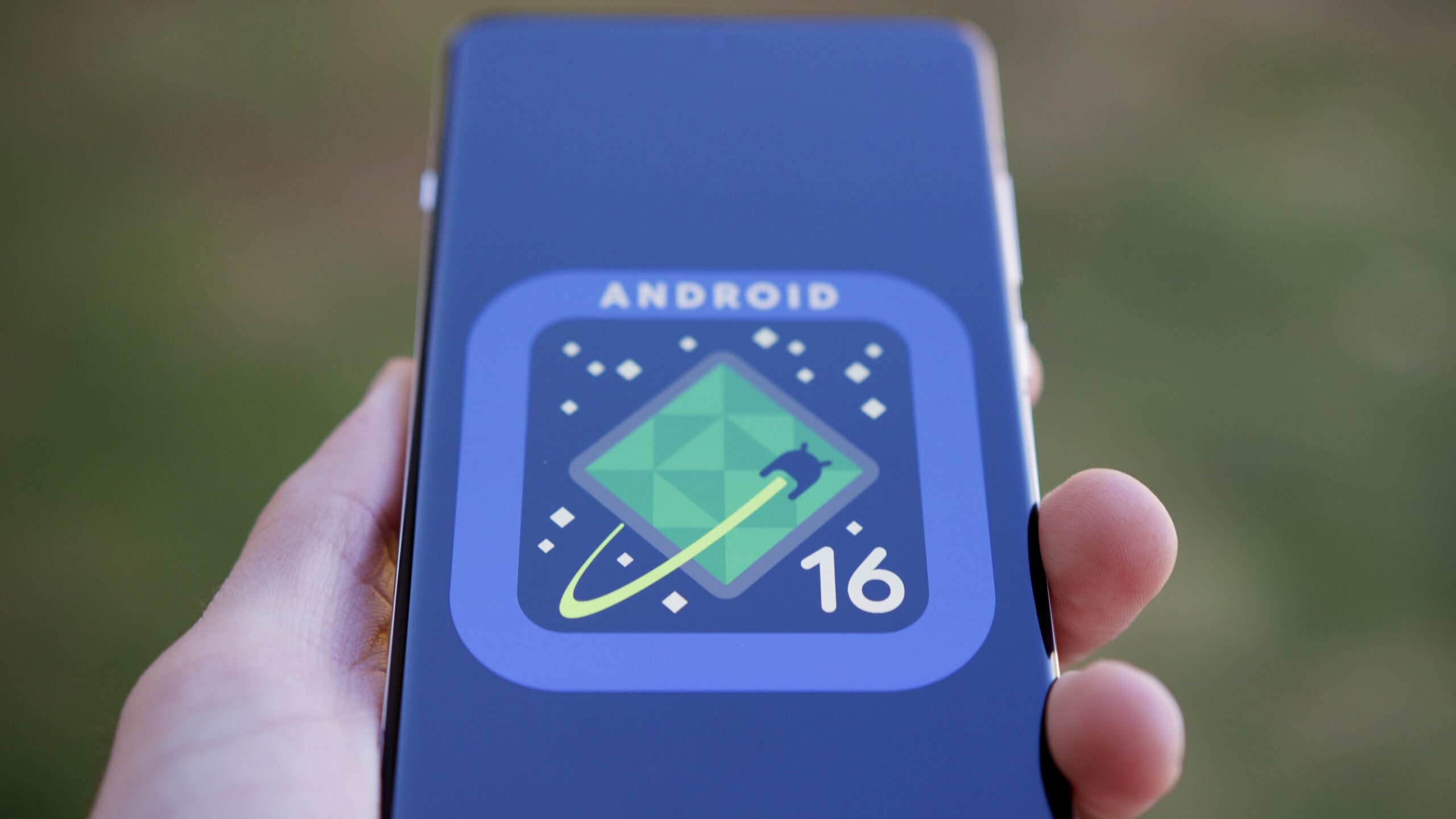
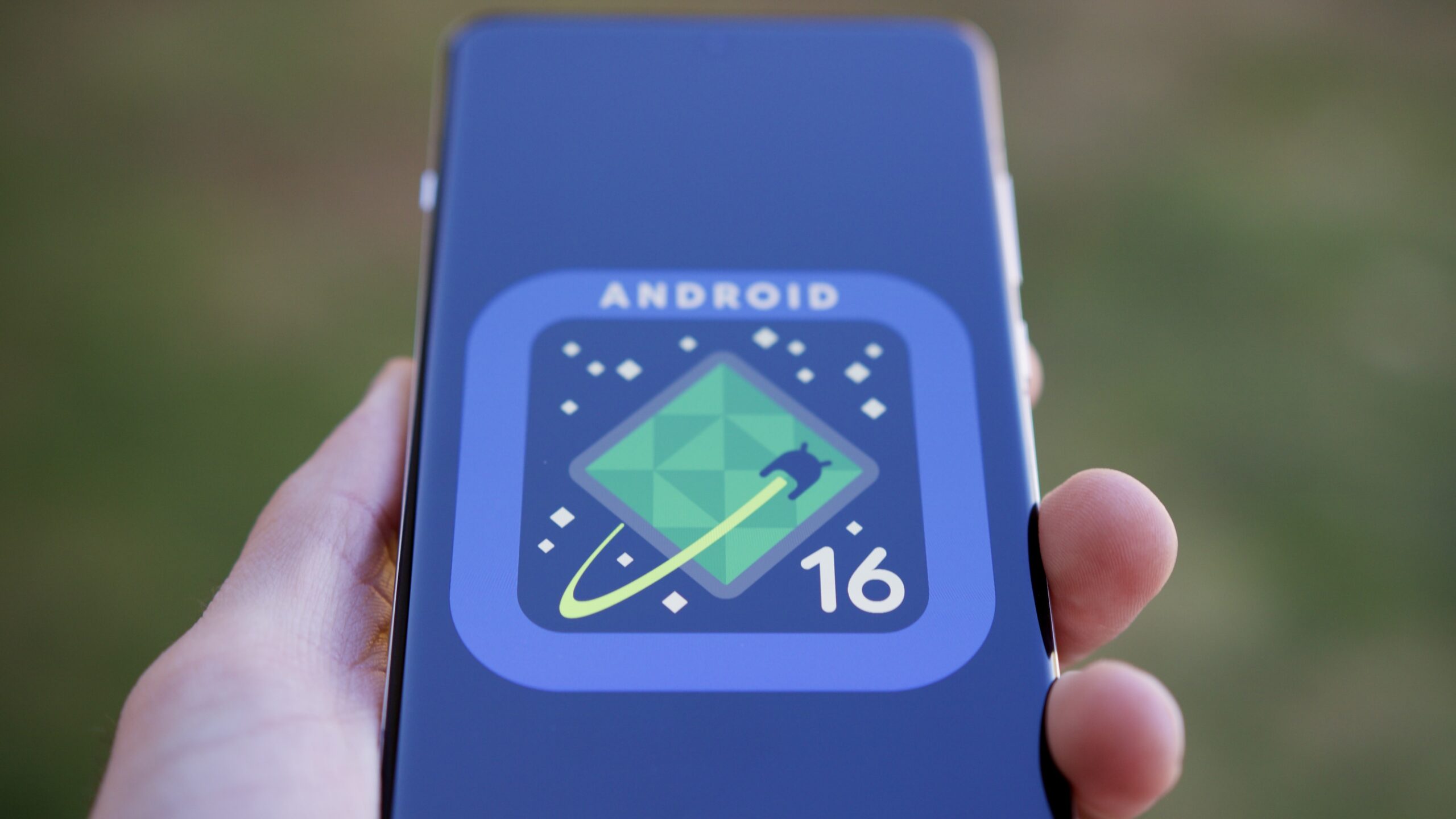
Android 16 logo on a phone.

Joe Maring / Android Authority

As hard as it is to believe, we’re just a few short months away from Android 16’s public release. We’ve had Developer Previews since last November and beta releases since January, and we’re expecting the final release to be ready in May or June.

So far, the update hasn’t given us much to look forward to. There are loads of developer-focused and under-the-hood tweaks, but in terms of exciting user-facing changes, Android 16 has been lacking. Outside of improvements to the photo picker, Live Updates notifications, and improving app support for tablets and foldables, it’s shaping up to be a pretty dull update.

Thankfully, it looks like things are taking a turn for the better. Google released Android 16 Beta 3 on March 13, and hiding inside this release are a handful of small yet promising new features. I have to admit, they’ve made me significantly more excited about Android 16 than I previously was.

Which Android 16 feature are you most excited about?

473 votes

Big upgrades to Quick Settings

Android 16 Beta 3 dual shade hero image

Mishaal Rahman / Android Authority

The first — and arguably biggest — change I’m excited about is the overhauled Quick Settings. Quick Settings in “stock” Android has largely stayed the same since Android 13, but Android 16 will introduce a new split design. Instead of seeing your notifications and Quick Settings on the same page, Android 16 will split them across two pages. You’ll get your notifications when you swipe down from the top left corner and your Quick Settings after swiping down from the top right.

I could take or leave the split design itself. What I’m most geeked about is the new look of the Quick Settings page. For one, your Quick Settings are now vertically scrolling and take up the entire page — meaning you’ll be able to fit a lot more toggles on your screen. As it stands today, Android 15 on a Pixel shows just eight Quick Settings toggles at a time. However, with this new design in Android 16, you’ll be able to see an appropriate 16 (or more) buttons at once. That’s a big upgrade.

Furthermore, Google appears to be experimenting with additional toggle sizes and designs, including a new small square that takes up half the space of the standard rectangle buttons. As visually pleasing as the big, rectangular bubbles may be, I’m really glad that more practical designs are coming with Android 16. The smaller icons still look great while letting you squeeze much more functionality on your screen. That’s a win-win if you ask me.

I love that Google is opening up Quick Settings to more user customization.

Finally, in addition to being more practical, I also love that Google is opening up Quick Settings to more user customization. Especially compared to skins like One UI and OxygenOS, stock Android has paled in comparison with giving you full control over what your Quick Settings look and feel like. For that to finally be changing in Android 16 is a big deal to me.

The biggest downside is that this new Quick Settings/notification panel likely won’t be ready in time for the first stable Android 16 release. However, we should see it with a future Android 16 update down the road, and I cannot wait for it.

More customizable app icons

Android 16 grid and icon shape customization hero image

Mishaal Rahman / Android Authority

In Android 15, home screen customization for Pixel phones is pretty basic. You have some app grid choices, accent color selections, and the option to theme your app icons with the accent color you choose. And … that’s about it. But Android 16 will add another option to the mix: app icon shapes.

Although not live in Android 16 Beta 3, we managed to enable the functionality, and it works as you’d expect. In a new “App shape & layout” page, you can choose one of six shapes to apply to all your app icons. Some are straightforward, like a circle or a squircle, while others have more unusual designs — including “four-sided cookie” and “complex clover.”

I’m encouraged this is a sign of even more customization yet to come.

Although I don’t like how all of these look, I do love seeing Google bring more customization options to the Pixel Launcher. App icon customization has been a pillar of third-party Android skins and launchers for years, yet Google’s Pixel Launcher has always lagged in this department. I’m also encouraged that this is a sign of even more yet to come — such as custom icon pack support or customizing app icons on an individual basis. This is one of the reasons I’ve preferred using OxygenOS 15 so much recently, and I’m thrilled to see Android 16 is taking steps to improve things here.

This one may or may not be ready in time for the first Android 16 public release, but I’m crossing my fingers that it is.

Lock screen widgets

Lock screen widgets on phones in Android 16 hero image

Mishaal Rahman / Android Authority

This last Android 16 feature isn’t technically part of Android 16 Beta 3. However, Google did confirm its existence recently as something that’ll be a part of Android 16 QPR1, which is set for a September rollout. The feature I’m talking about is lock screen widgets. Google added lock screen widgets specifically for Android tablets last year, but Android 16 will bring them to phones, too.

As someone who carries an iPhone and an Android phone, lock screen widgets with iOS 16 has been one of my favorite new iOS features in recent years. Customizing my lock screen to show my shopping list, upcoming calendar events, a Google Maps search widget, or even a shortcut to ChatGPT is equally cool and convenient.

I’m a big widget fan, but it doesn’t take long to run out of home screen space to put said widgets. The lock screen is a great canvas for them, especially to quickly glance at your calendar or to-do list, or to display some Google Photos memories. Admittedly, it is a bit silly to champion Google for re-adding a feature that previously existed with Android 4.2 (and was then removed with Android 5.0), but I’m still very happy to see lock screen widgets make a return.

Android 16 is shaping up nicely

Android 16 logo on smartphone 08

Edgar Cervantes / Android Authority

While certainly not the most thrilling Android update we’ve ever had, Android 16 is shaping up nicely and coming into focus better than it was a couple of weeks ago. Much of the update is still centered on behind-the-scenes changes you and I won’t immediately notice, but it’s reassuring that some user-facing goodies will give us new toys to play with. With a revamped Quick Settings and notification panel, new app icon customization options, and the reintroduction of lock screen widgets, I don’t think we can call Android 16 “boring” any longer.

We should get a better look at these changes during Google I/O in May, and it’s also possible that Google will show additional Android 16 features that haven’t been revealed yet. Even if it’s not the massive revamp that Android 13 was, there are exciting changes here, and I’m looking forward to getting my hands on them.

You might like

Posted on

Can you use Wi-Fi calling for free while traveling abroad?

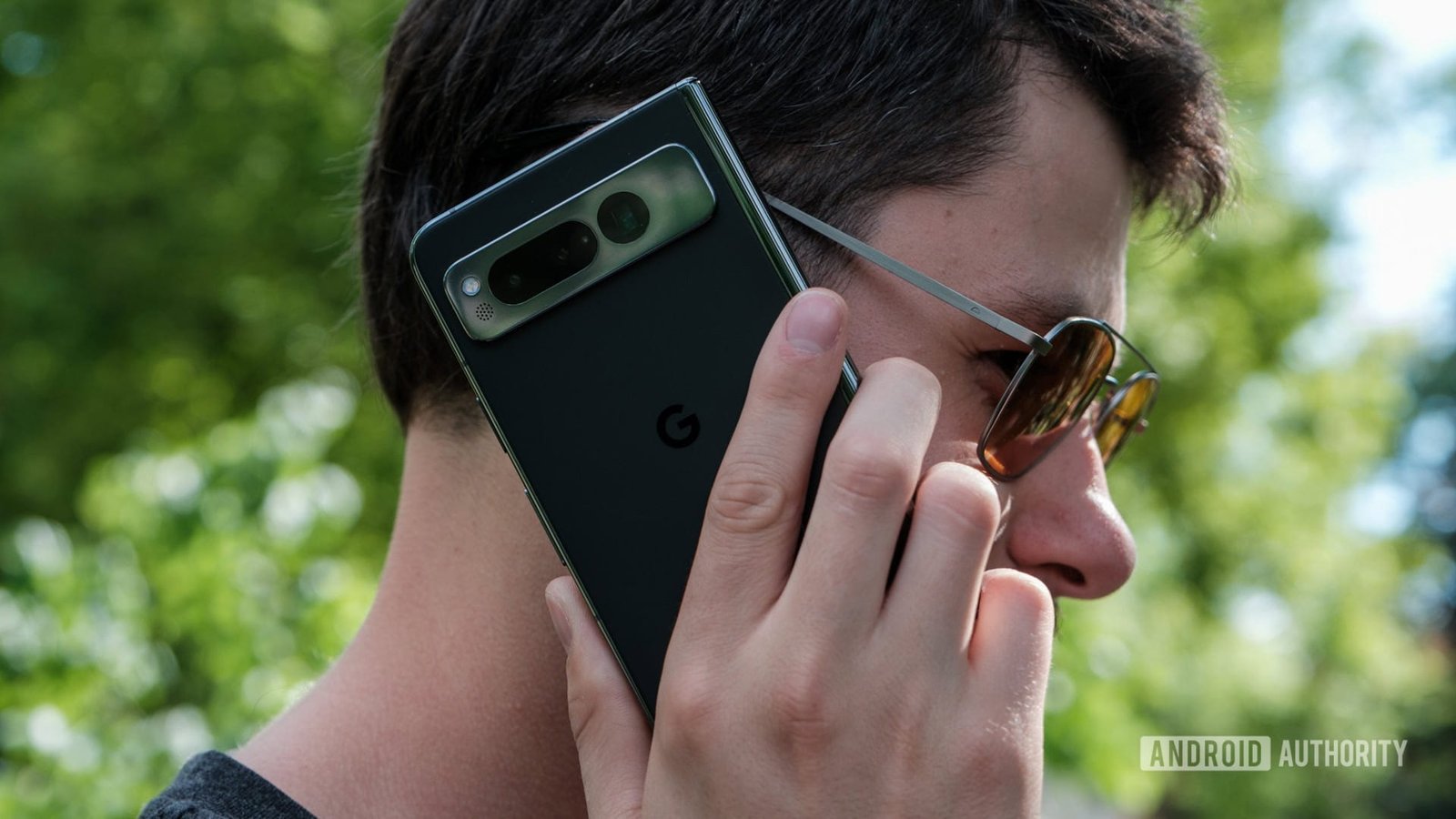
google pixel fold on a phone call

Ryan Haines / Android Authority

If you’re planning to travel internationally this year, you’ll want to have a solid game plan for phone coverage during your trip. There are several options available, including using a foreign SIM or eSIM, or even opting for a special travel SIM plan. For many, the most convenient method is simply using their carrier’s roaming solution, though not all carriers are created equal in this regard.

If your international roaming options are limited, you might be wondering if you can simply connect to an international Wi-Fi network to place phone calls instead. In most cases, the answer is yes, but whether you’re charged for it depends on your carrier’s policies.

Ensuring You Have Wi-Fi Calling

First, it’s important to ensure you have Wi-Fi calling in the first place. The good news is that every major US carrier now offers this feature, even most prepaid providers. However, some carriers may have device restrictions. For example, Cricket typically requires a Cricket-purchased device to use its Wi-Fi calling feature, with only a few exceptions. If you’re unsure whether your carrier supports Wi-Fi calling on your device, be sure to check their terms and conditions.

Will Wi-Fi calling be free internationally?

Once you’ve confirmed that you have Wi-Fi calling, you might be wondering if you can use it for free while traveling internationally. If you’re calling the US, the answer is almost always yes. However, if you’re calling other countries while on an international Wi-Fi connection, you can generally expect a charge.

A look around Reddit makes it clear some travelers have reported being charged for Wi-Fi calls to the US while abroad, and you may have experienced this yourself. While this can happen, in most cases, it can be prevented.

How to avoid charges for Wi-Fi calls to the US while abroad

No one likes unexpected charges. For many prepaid providers, if Wi-Fi calling fails, you simply won’t be able to place the call, which means you’re less likely to face an unexpected fee. However, some prepaid providers can and will charge extra fees to your default billing payment if it aligns with their terms.

Regardless of whether the charge is on a prepaid or postpaid account, the reason behind it is usually the same: If your Wi-Fi call drops without your knowledge, your phone may automatically switch to a roaming network, resulting in charges.

To prevent this, follow these steps:

  • Turn on Wi-Fi calling before leaving the US. This may seem simple, but if you don’t enable Wi-Fi calling before departure, you likely won’t be able to activate it once abroad. Additionally, avoid turning it off while traveling, as you may not be able to reenable it. Need help? Check out our guide to Wi-Fi calling for exact steps and more details.
  • Enable Airplane mode. Don’t just turn off your data; instead, activate Airplane mode and then connect to a Wi-Fi network. This ensures your phone won’t attempt to connect to a mobile network if there’s an issue with the Wi-Fi call.

I have an international calling plan; can I use that over Wi-Fi calling?

Let’s say you live in the US and are visiting France. You use Wi-Fi calling to contact a few French businesses. Will you be charged if you already pay for an international calling plan? For nearly every carrier, the answer is yes.

An international calling plan is designed to allow users in the US to call other countries without extra charges. However, if your Wi-Fi connection isn’t US-based, you will likely incur a roaming fee. Some users attempt to bypass this by connecting to a Wi-Fi network through a VPN, but there are no guarantees, and doing so could potentially violate your plan’s terms of service.

Some argue that it shouldn’t matter where you are when using Wi-Fi calling since the traffic is still routed to T-Mobile (or another carrier) the same way. In theory, this means there’s no extra cost to the carrier. However, there’s no real way around it; carriers like T-Mobile benefit from steering users toward purchasing international roaming add-ons.

It’s important to clarify that international calling plans and international roaming plans are not the same. An international calling plan allows you to call other countries from the US, while an international roaming plan enables you to place calls to and from other countries.

If you have an international roaming plan, you shouldn’t see additional charges for Wi-Fi calls, as long as both the numbers you’re calling and receiving calls from are covered under your plan. Of course, if you have an international roaming plan, you can also make calls using your mobile network directly.

What is the best alternative to Wi-Fi calling with your carrier?

2024 Verizon logo on smartpohone Stock photo (11)

Edgar Cervantes / Android Authority

If you don’t have an international calling plan and are looking for a cheap way to make calls while abroad, here are some options:

  • Use a VoIP service. A Voice over Internet Protocol (VoIP) provider lets you make free Wi-Fi calls to the US from any country. Our top recommendation is Google Voice: it may be more lightweight than other VoIP solutions, but it works well for Wi-Fi calling and offers competitive international rates, some as low as just a few cents per minute.
  • Check your carrier for add-on roaming plans. Even if your carrier doesn’t offer free roaming, it likely has some kind of international package you can purchase. Many prepaid carriers, including Google Fi, Mint Mobile, and others, offer affordable international add-ons.
  • Get a local SIM or eSIM. While this requires a tad more effort, the cheapest way to get international roaming service is to use a local SIM or eSIM provider. Many airports sell these through kiosks or small storefronts.
  • Consider a travel SIM plan. Travel SIMs and eSIMs are typically more expensive than local SIMs but offer greater convenience. You pay a provider for international data, and they partner with local carriers to give you seamless service while you travel.

The best carrier for international travel

Google Fi Wireless logo on smartphone with colored background stock photo

Edgar Cervantes / Android Authority

Another option to consider is switching to a carrier where roaming isn’t an issue. For frequent international travelers, Google Fi is arguably the best option, even when compared to the big three carriers. Its Unlimited Plus plan costs just $65 per month or as low as $40 per line for four or more lines.

In addition to unlimited data, you get unlimited texts and data in over 200 countries, which activates instantly the moment you arrive — no changes or hassle required. You can learn more in our Google Fi plans guide or hit up the widget below to sign up for yourself.

You might like

Posted on

Save $80 on the Ring Battery Doorbell Plus or Pro

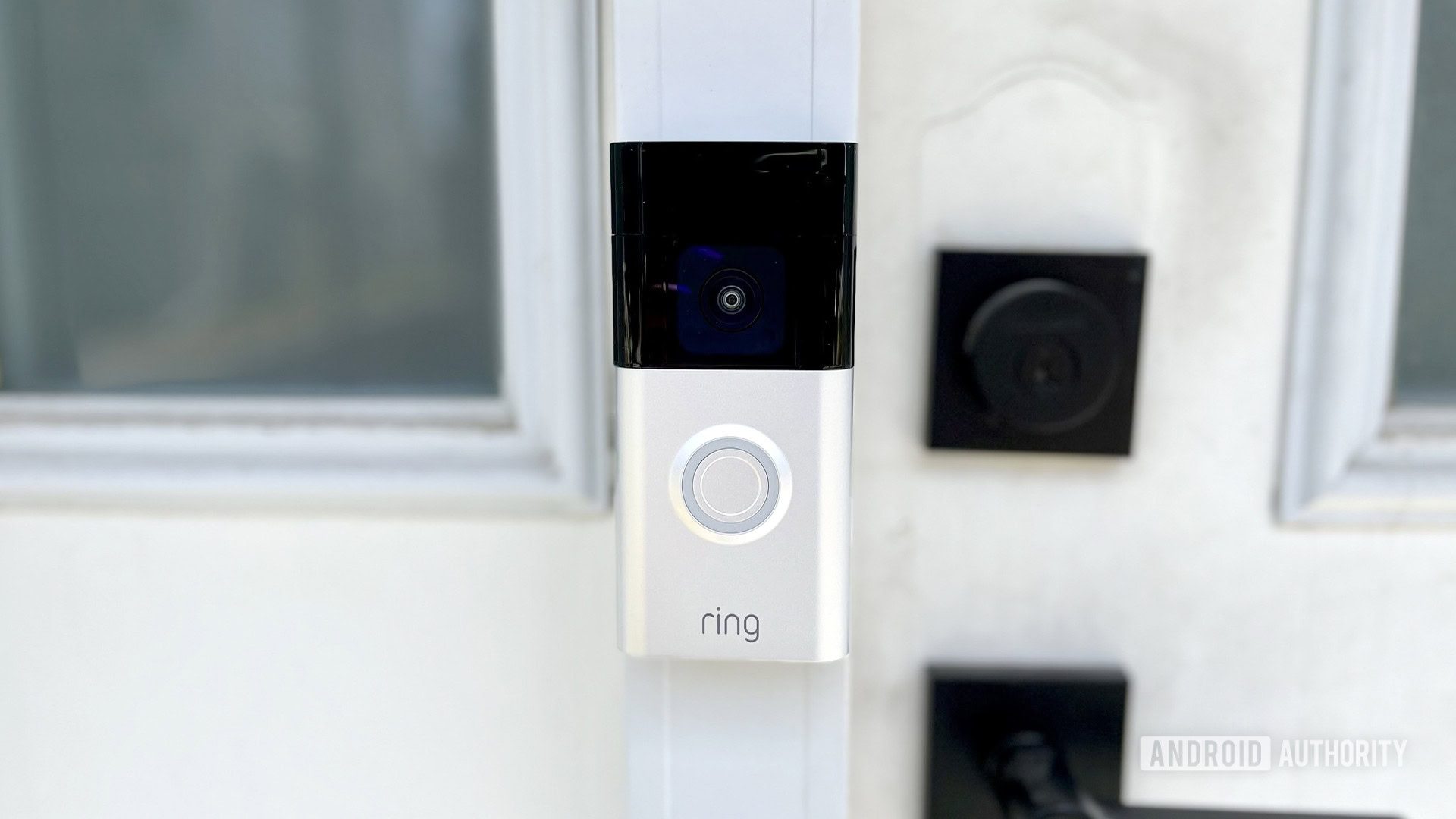
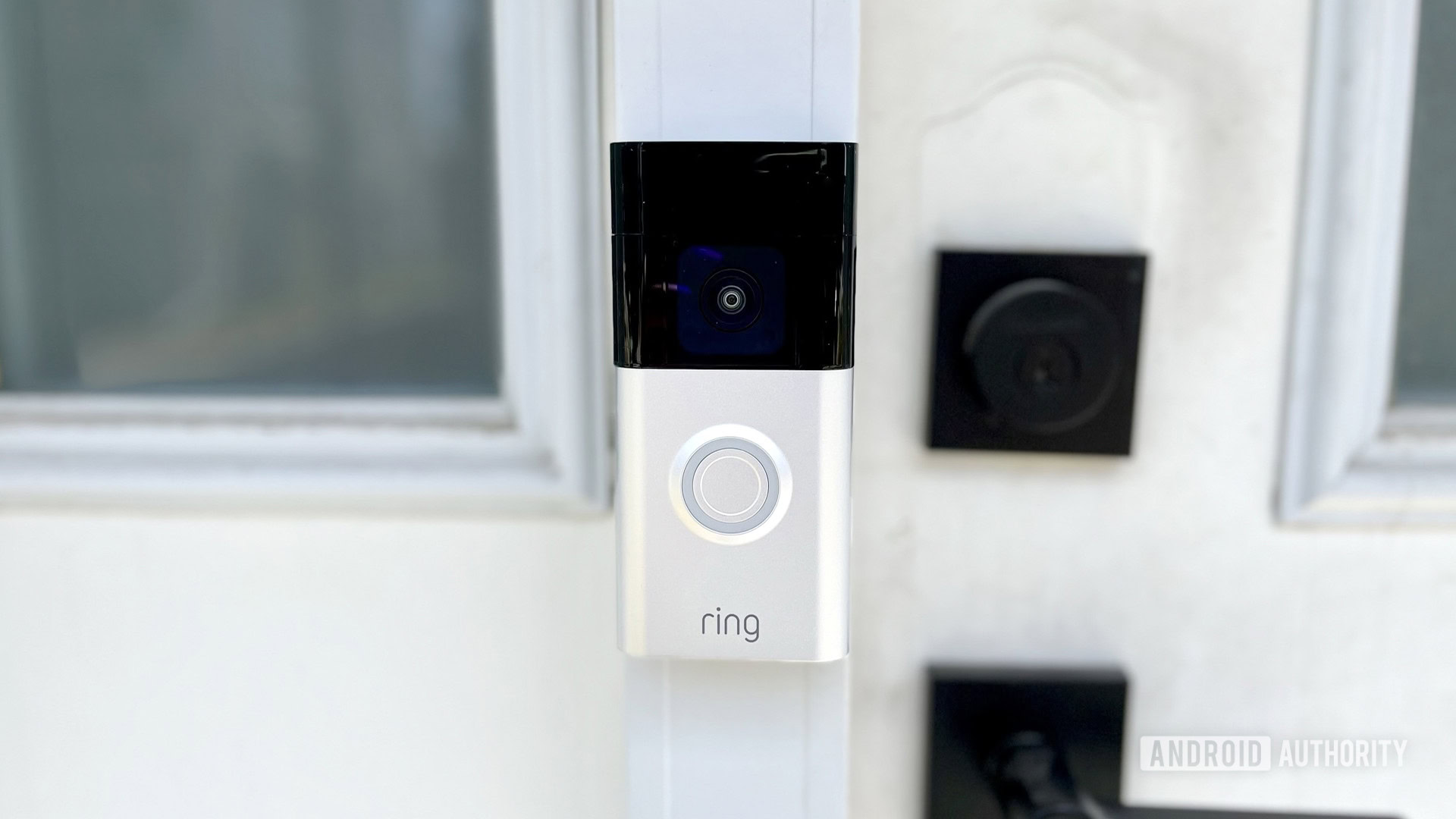
The Ring Battery Doorbell Plus mounted on a doorframe

Roger Fingas / Android Authority

These offers are available from Woot!, an Amazon-owned deals website. The deal is only available for the Satin Nickel colorway in both cases. There’s a limit of three units per customer, and they are in new condition. The website mentions this deal is available for seven days or “until sold out.”

A really nice pro about these deals is that they come with Ring’s full-year warranty. Deals on this website often only get the 90-day Woot! warranty.

Ring Battery Doorbell Plus

Ring Battery Doorbell Plus

Ring Battery Doorbell Plus
AA Recommended

Ring Battery Doorbell Plus

The Battery Doorbell Plus merges features from some of Ring’s better products.

This 2023 Ring doorbell model offers 1536p resolution, and a 150-degree view both vertically and horizontally, which aids with person and package detection.

At $89.99, the Ring Battery Doorbell Plus from Woot! is actually cheaper than the base Ring Battery Doorbell on Amazon. This means you are saving $10 for upgrading!

The Ring Battery Doorbell Plus is a pretty nice smart doorbell. It records video at 1,536 resolution and has a 150-degree field of view. You’ll get the works in terms of features, including live video, two-way audio, motion detection, quick replies, package alerts, a removable battery,

We’ve already tested this model, and we really like what it has to offer. We found it very easy to install, and the video quality is excellent. Person detection worked very well, which will help avoid random notifications from things like bushes moving with the wind, squirrels running around the yard, or cars driving through.

The Ring Battery Doorbell Plus up close

Roger Fingas / Android Authority

I also love that this version has a removable battery, so you can swap batteries without removing the doorbell and taking it in for recharging. I own the Ring Battery Doorbell, and I have to remove it, take it into the house, and plug it directly using the USB-C port.

Another thing to remember is that many of the best features require a Ring Home subscription. You can use the doorbell without paying a monthly fee, but you’ll pretty much only have access to simple features like live view and basic alerts. If you want a plan, they start at $4.99. You can learn all about Ring Home subscriptions here.

Ring Battery Doorbell Pro

Ring Battery Doorbell Pro

Ring Battery Doorbell Pro

Ring Battery Doorbell Pro

Ring’s 2024 Doorbell Pro offers HD Plus video, 3D Motion Detection, and night clarity. Alexa compatibility and a quick-release battery pack add convenience.

If you want the best doorbell Ring has to offer, this is it. We must tell you it’s only an upgrade if you’ll be taking advantage of some extra features, though.

It pretty much has the same general specs, including the 1,536 resolution and 150-degree field of view. It also has the same set of features, including two-way audio, live view, motion and person detection, quick replies, package alerts, and a removable battery.

The upgrades with the Ring Battery Doorbell Pro include improved audio, better motion detection, bird’s eye view mode, and pre-roll support. It also gets dual-band Wi-Fi. If you care for those upgrades, you can pay $149.99 instead of the full $229.99 price point.


These deals are pretty nice, so you should probably act on them quickly if you’re in the market for a good smart doorbell. While Woot! says the deal will be around for seven days, there is always a chance they will sell out, too.

You might like